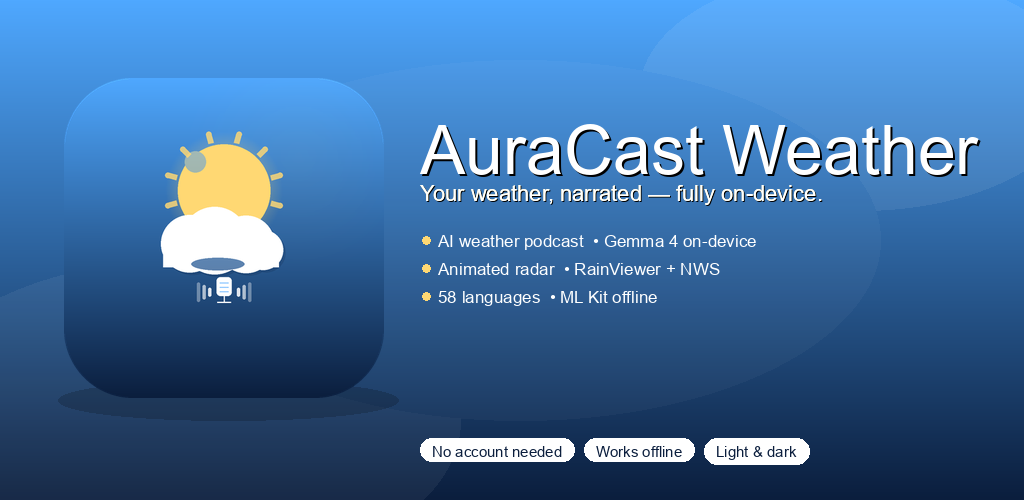
Your weather,
narrated.
Start your morning with a calm, personal briefing. Live radar, hourly and 5-day forecasts — spoken in a natural voice and translated into your language.
- Spoken daily briefing — choose your favorite voice
- Live animated radar you can play and scrub
- Works in 58 languages, even offline
Questions? support@auracast.app • GitHub
Made for everyday life
Everything you need to plan your day — nothing that gets in the way.
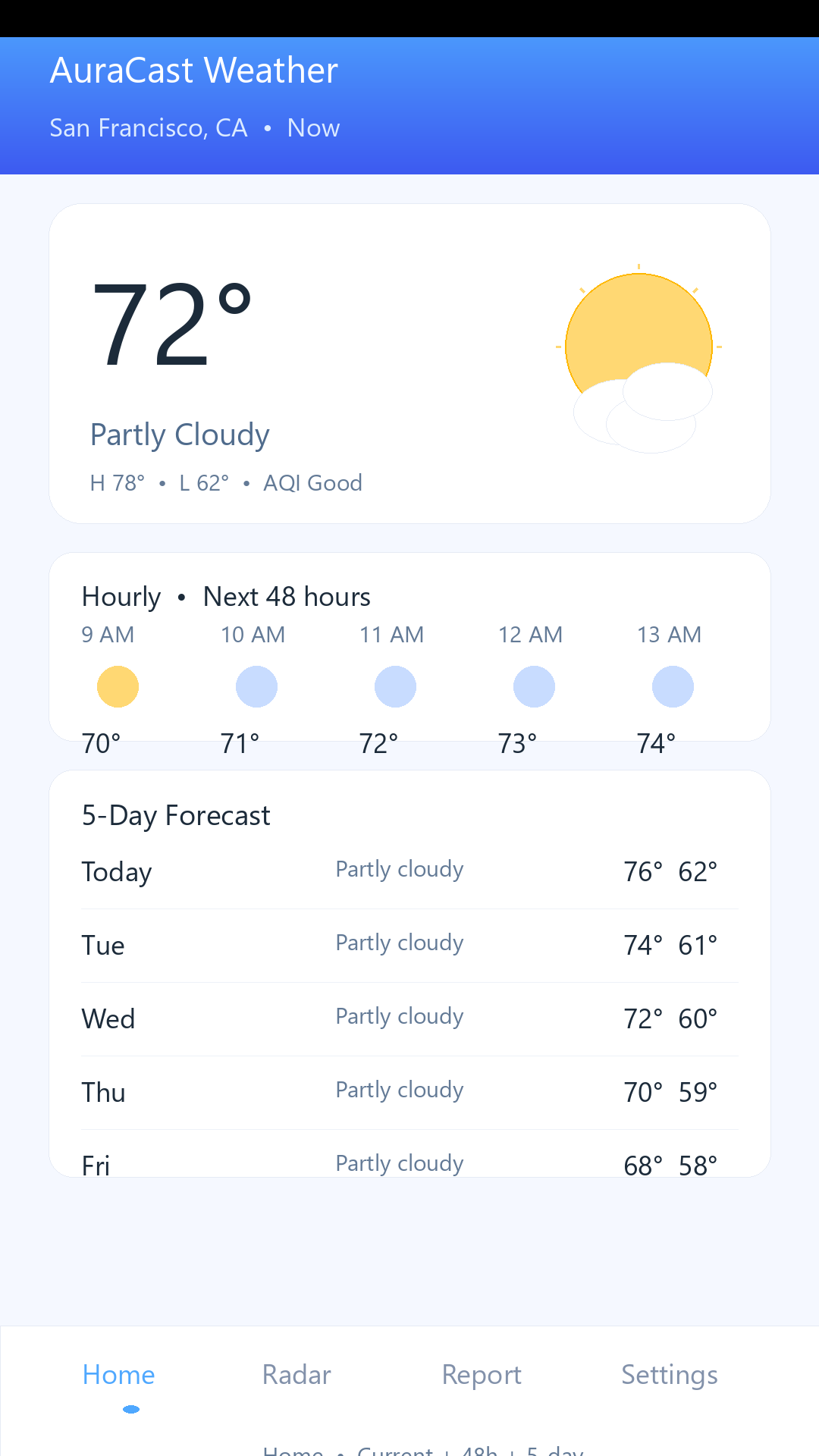
Clear, complete forecast
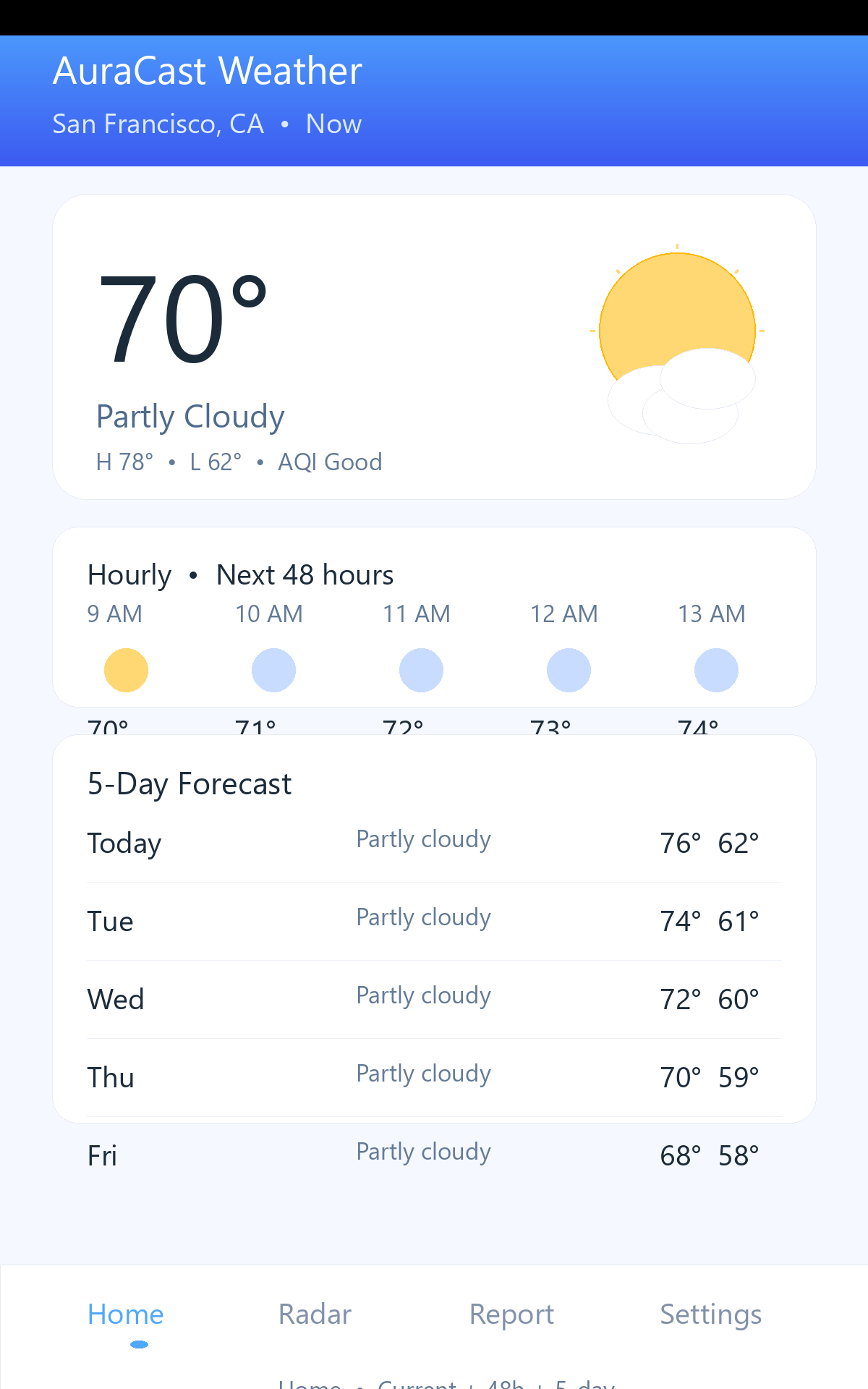
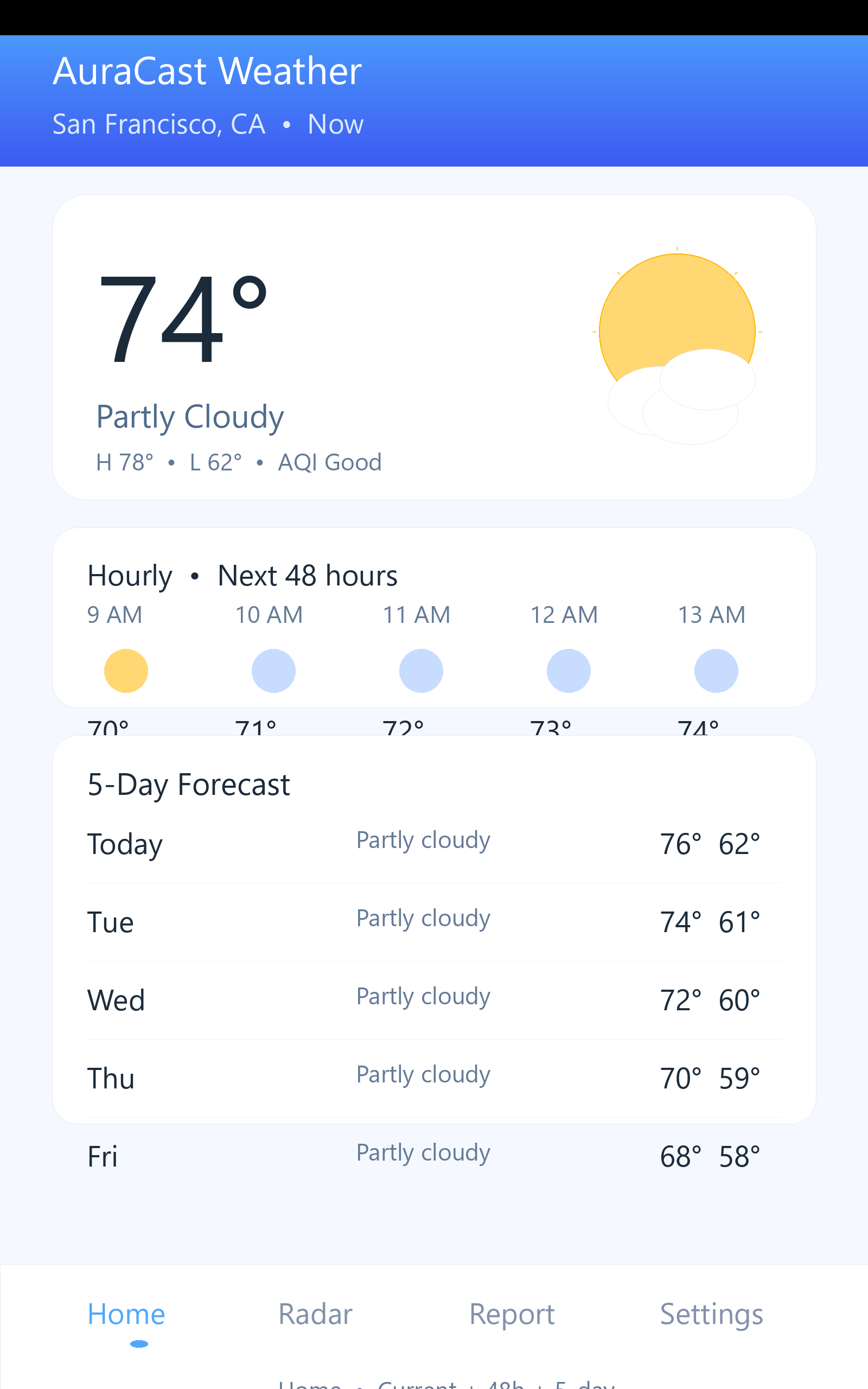
See today, the next 48 hours, and the full 5-day outlook at a glance. Beautiful icons make it easy to read.
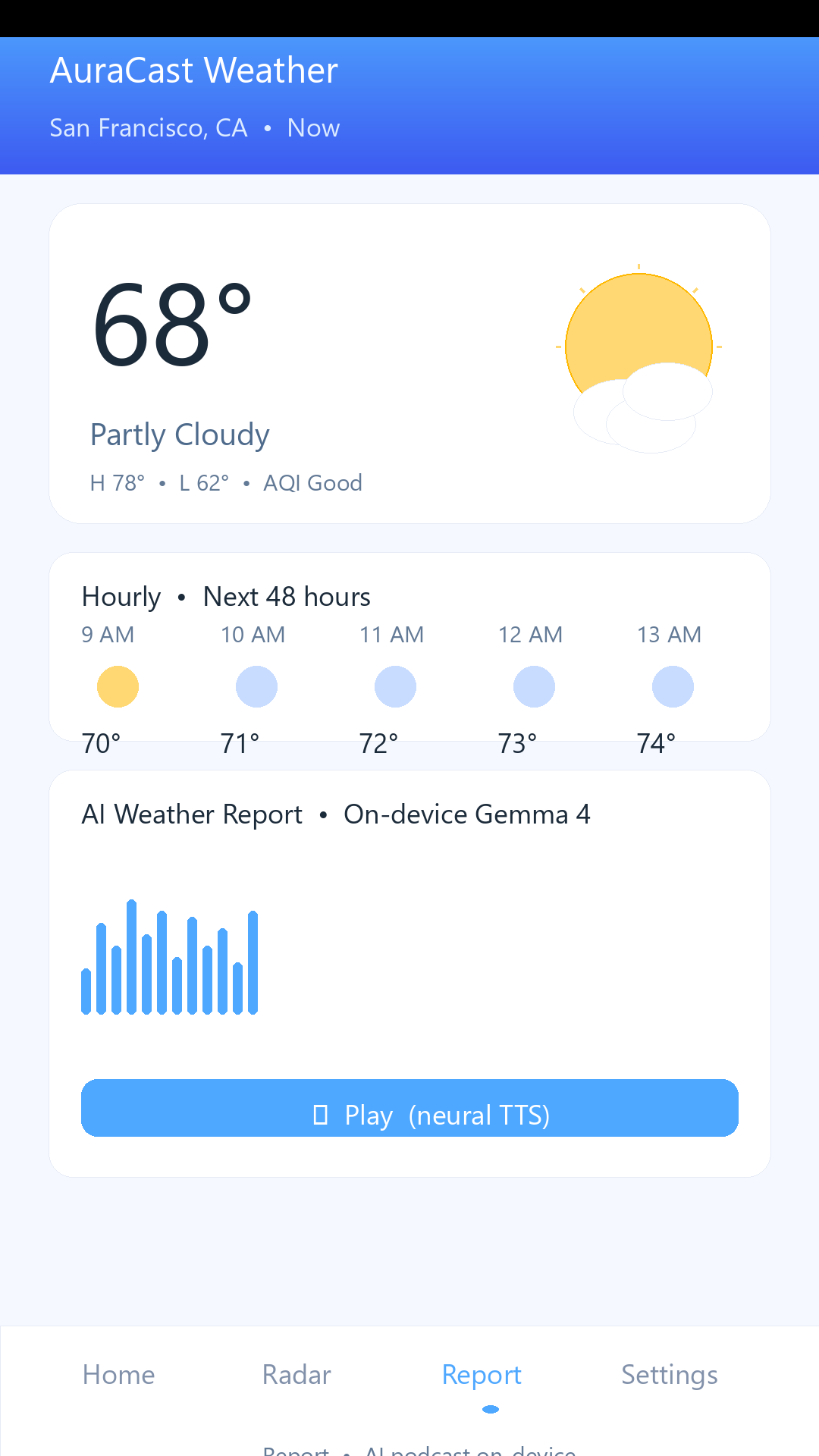
Your daily briefing, spoken
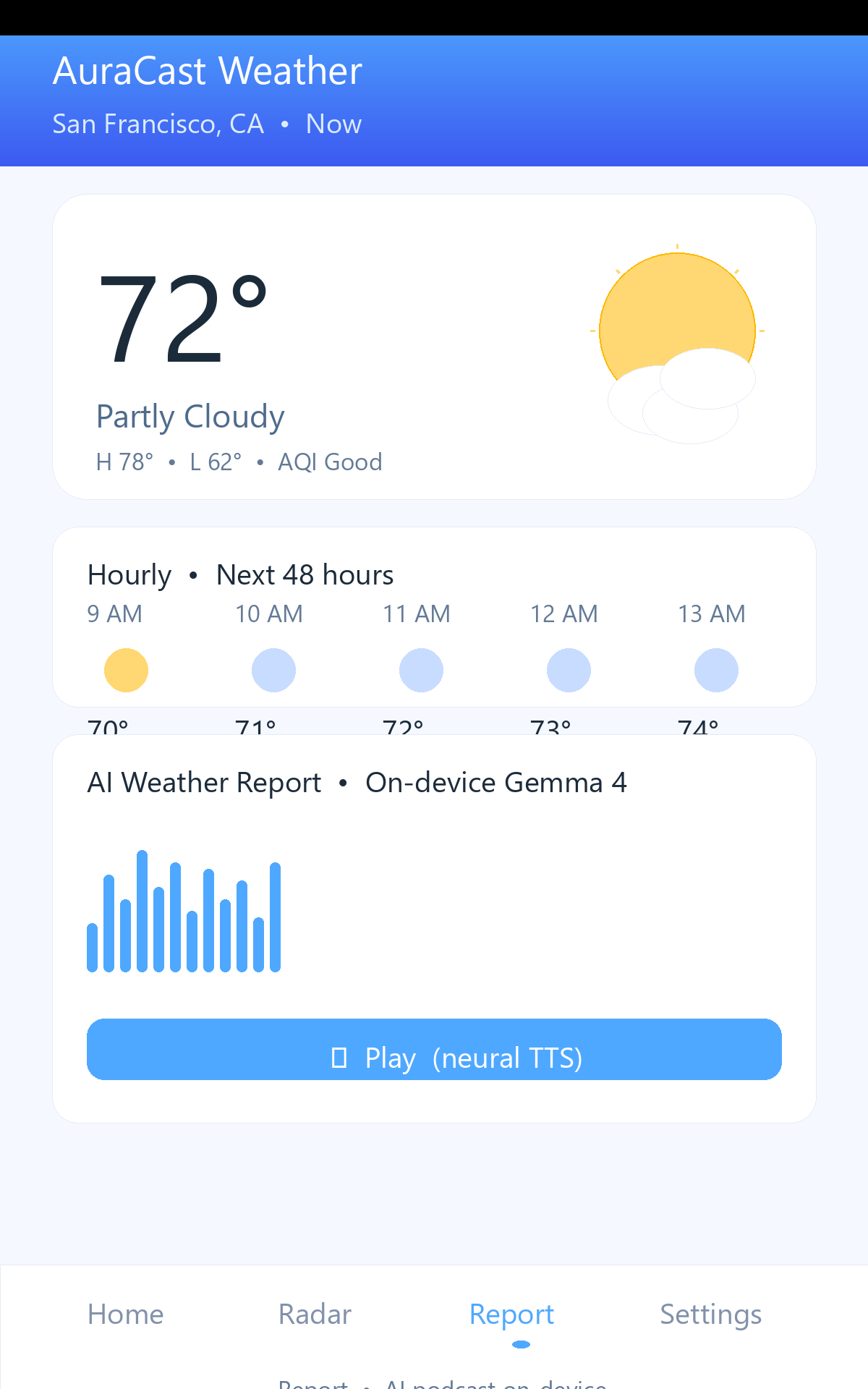
Tap play and hear your weather like a short podcast. Pick the voice you like best in Settings.
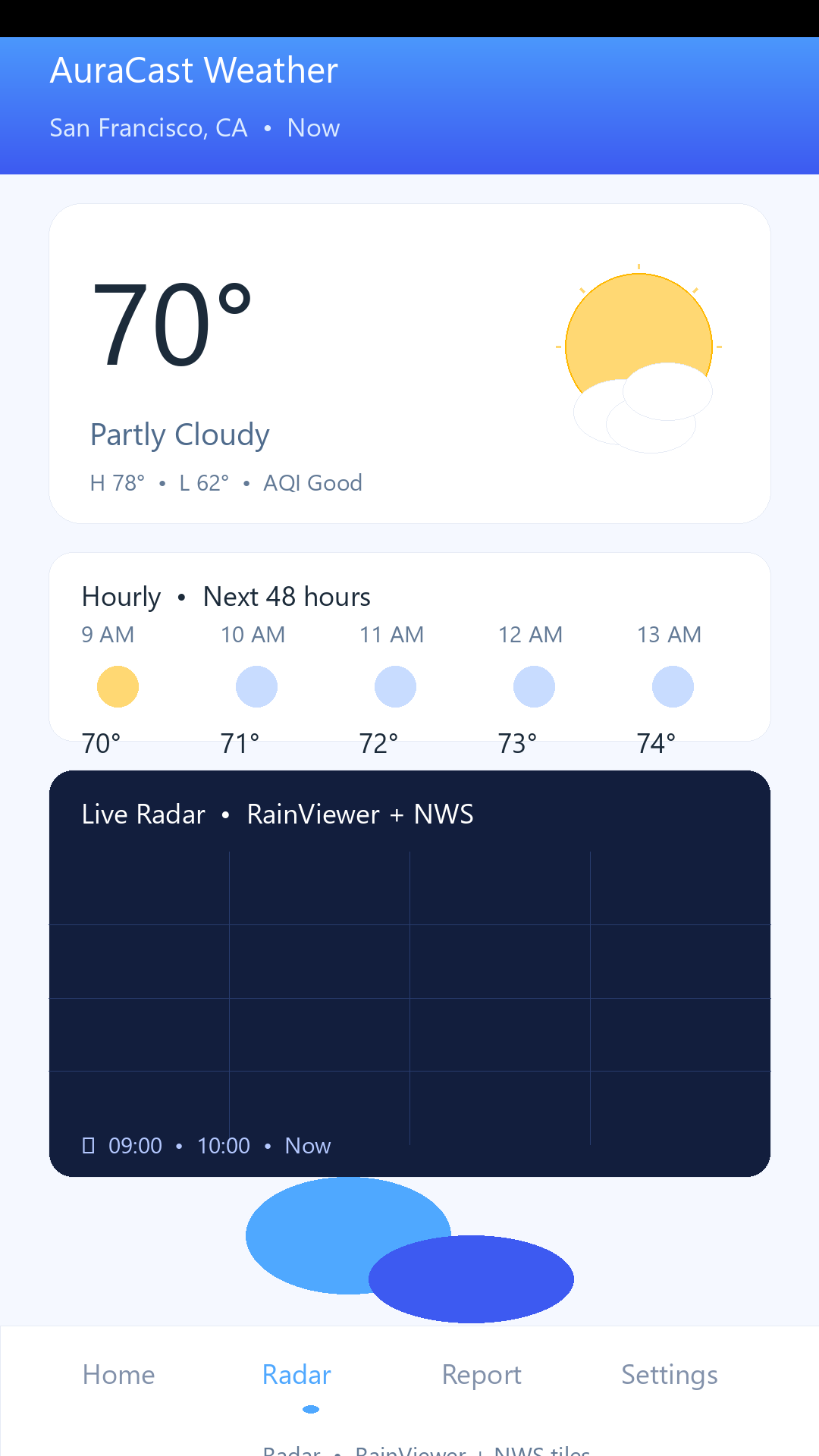
Live radar, made simple
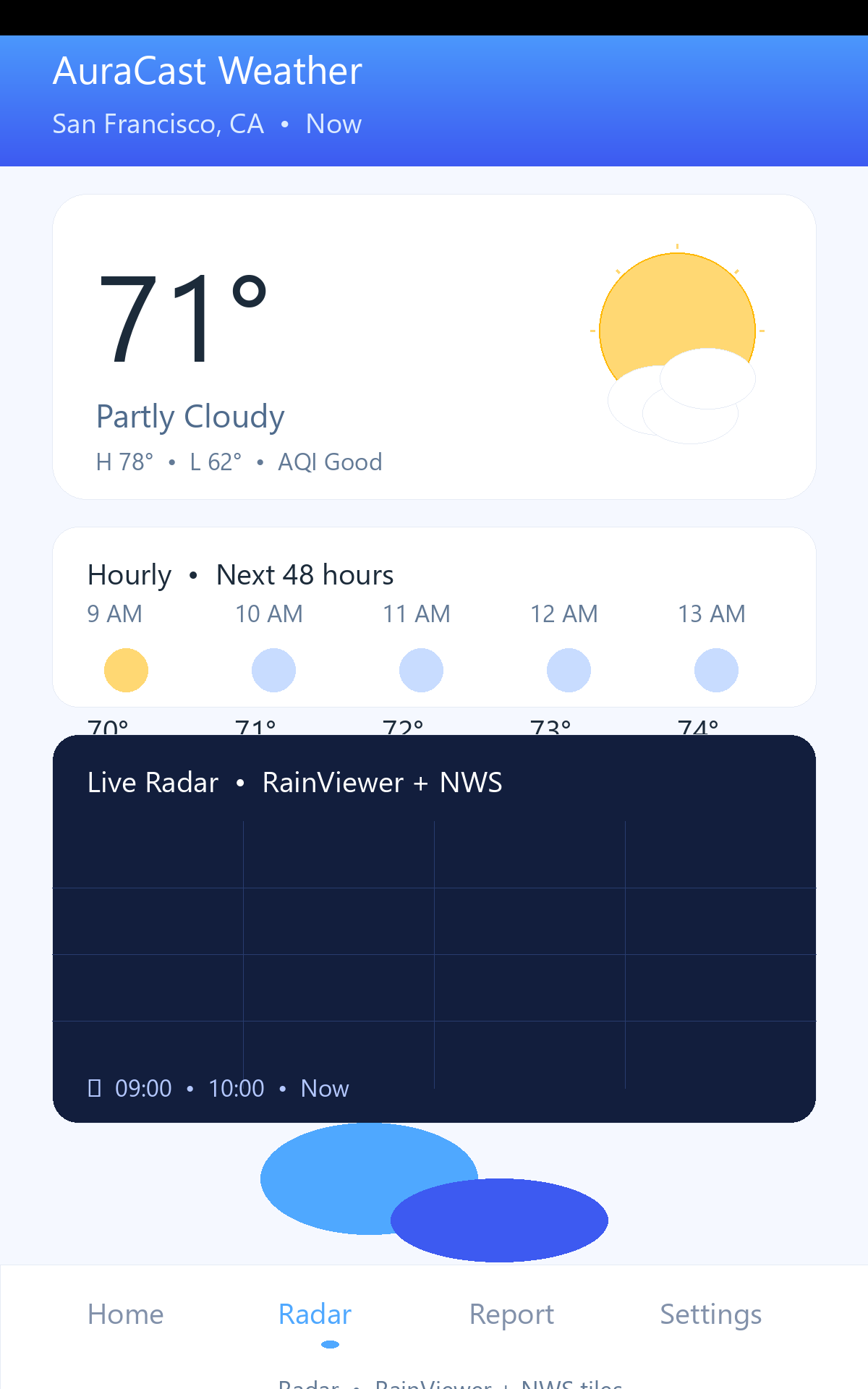
Watch rain move in real time. Play, pause, and scrub through the last 40 minutes.
Your language, offline
Choose from 58 languages. Download once, then it works without internet.
Gentle alerts
Get severe-weather warnings and a daily morning briefing — only if you want them.
Private by design
Your spoken briefing is created on your phone. No account, no tracking. Learn more
See it on any screen
Phone and tablet — beautifully tuned for each size. Tap any image to view full size.
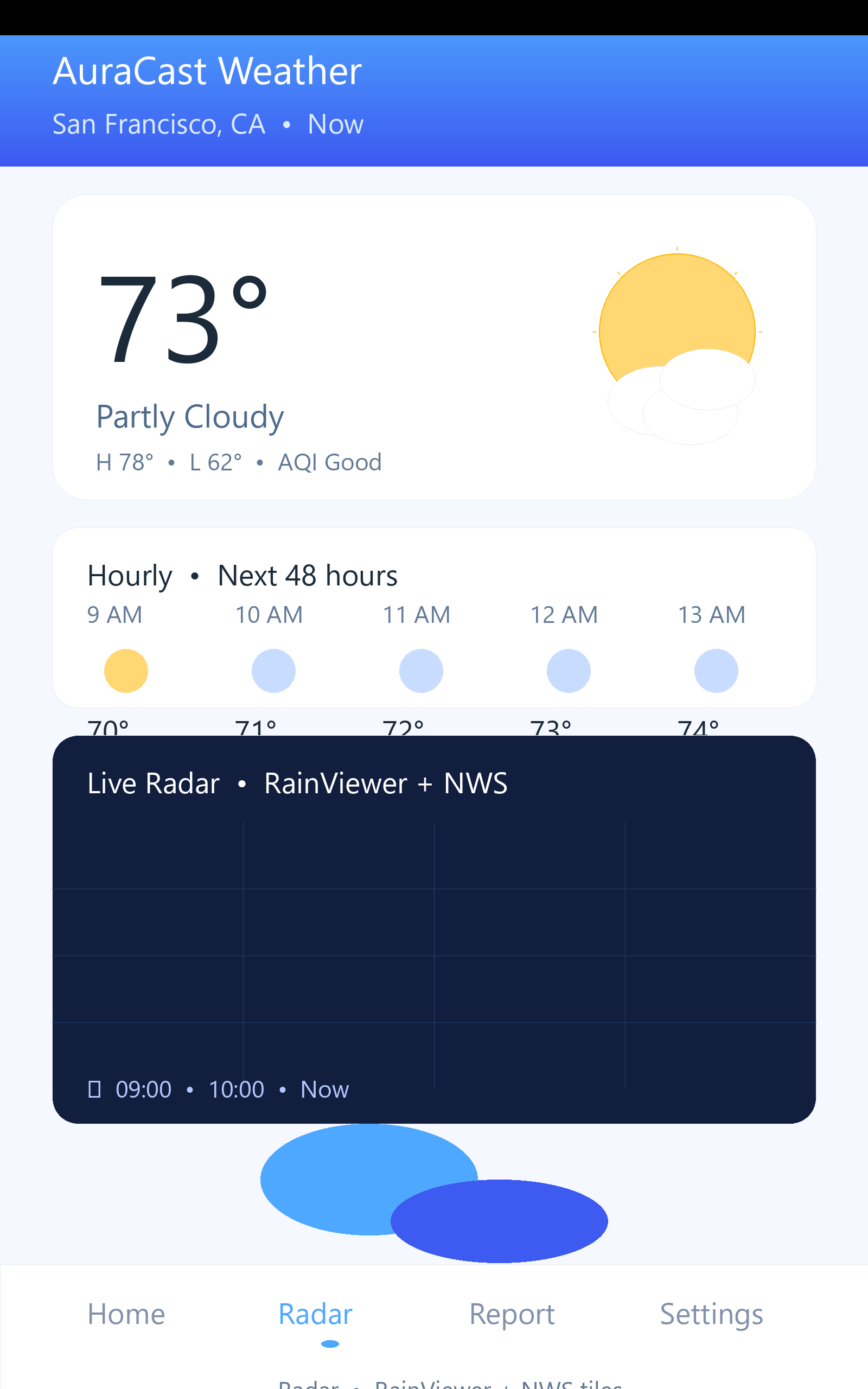
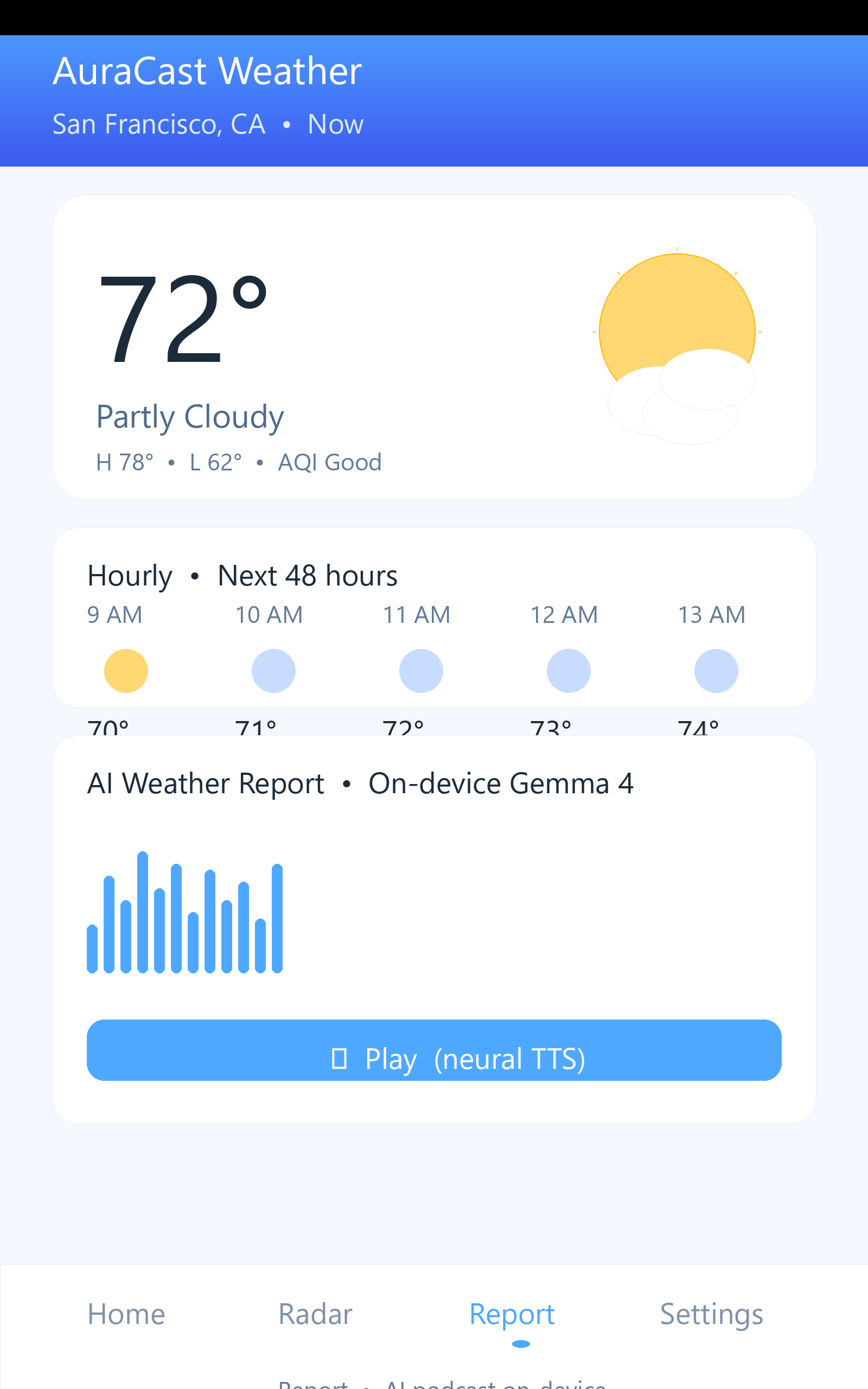
Watch the promo
A quick look at how AuraCast fits into your morning.
Frequently asked questions
Have a question? Start here.
Do I need to create an account?
No. AuraCast works right away with no sign-in, no email, and no subscription required. Add your location once and you're done.
How is my spoken forecast created?
Your forecast numbers are turned into natural speech on your phone using an on-device model. The audio never leaves your device — only the forecast and radar images are fetched from the internet.
Can I change the voice?
Yes. Open Settings → Voice to preview and pick your favorite. The app uses your system's natural voices, and you can download additional voices for offline use.
What languages are supported?
58 languages. Choose your language during setup or in Settings. The translation pack downloads once and then works offline.
Does the radar work everywhere?
Radar uses RainViewer and NWS tiles on a free map. Coverage is global for forecasts, with detailed radar where RainViewer/NWS have data. You can always search any city manually.
Why does it ask for location?
To show your local weather and radar. You can deny the permission and type a city instead — the app works either way.
Are there ads? What is AuraCast Plus?
The free version shows a small banner and occasional gentle interstitial. AuraCast Plus (a Google Play subscription) removes all ads. Manage it in Play → Payments & subscriptions.
Is my data private?
Yes. No name, email, or contacts are collected. Only anonymous crash and performance help us fix bugs. Ads use the standard Google Advertising ID and respect your consent. See the full Privacy Policy.
What phones are supported?
Android 8.0 (API 26) and newer, including tablets. Works in light and dark mode.
Where can I get help or report a problem?
Email support@auracast.app or open an issue on GitHub. We read every message.
Get AuraCast Weather
Free on Android. Private, gentle, and ready in seconds.